Arm is the most important tech company most people have never knowingly bought a product from. It doesn’t make chips or devices — it designs the CPU architecture and processor blueprints that nearly every smartphone, and a fast-growing share of laptops and tablets, are built on. In 2026 its influence is everywhere. Verdict: “Arm-based” on a spec sheet signals excellent power efficiency and long battery life, and it’s a positive sign in phones, tablets, and modern thin laptops — the caveats are about the platform (chiefly app compatibility when Arm chips run software written for traditional x86 PCs) rather than any quality issue with Arm itself. Understanding Arm helps you understand why your devices are getting thinner, cooler, and longer-lasting.
Because Arm sells designs and licenses, not products, “is Arm good?” really means “should I buy an Arm-based device?” This profile explains what that means for you.
Company overview
Arm (formerly ARM Holdings) traces its roots to 1990 and is headquartered in Cambridge, England. It’s an intellectual-property company: it designs CPU architectures and processor cores, then licenses those designs to chipmakers — Qualcomm, MediaTek, Apple, Nvidia, Samsung, Amazon and many others — who build them into their own silicon. Arm itself doesn’t manufacture chips or sell consumer products.
Ownership matters here. Arm was long a British company, was acquired by Japan’s SoftBank Group in 2016, and returned to public markets with a Nasdaq listing in 2023; SoftBank remains its majority owner. Its business model — licensing energy-efficient designs to everyone — is why Arm-based processors power essentially all modern smartphones and have expanded into laptops, tablets, servers, and cars. Apple’s M-series and A-series chips, Qualcomm’s Snapdragon, and MediaTek’s Dimensity are all built on Arm architecture. Its reputation in plain terms: the foundational, near-universal architecture for efficient computing — technically superb and ubiquitous, with its main real-world friction being the software-compatibility growing pains as Arm expands from phones into the PC world.
What Arm makes
Arm’s products are designs and licenses, not physical goods. The relevant pieces for understanding a device are:
- CPU architecture (the Arm instruction set): The underlying design that Arm-based chips implement, prized for performance-per-watt.
- Cortex CPU cores (Cortex-A, Cortex-X, Cortex-M): Ready-made processor-core designs many chipmakers license and drop into their silicon.
- Mali and Immortalis GPUs: Graphics designs licensed for use in mobile and embedded chips.
- Architecture licenses: Deeper licenses (used by Apple, Qualcomm’s custom Oryon cores and others) that let companies design their own custom Arm-compatible CPUs.
- Compute subsystems and platforms: Reference designs that bundle CPU, GPU, and other blocks to speed chipmakers’ development.
Where you’ll find Arm in 2026
Every smartphone. Effectively all modern phones — iPhone and Android alike — use Arm-based chips. Whether it’s Apple silicon, Snapdragon, or Dimensity, the architecture underneath is Arm, which is why phones combine strong performance with all-day battery life. This underpins our entire Best Smartphones 2026: Top Picks for Every Budget guide.
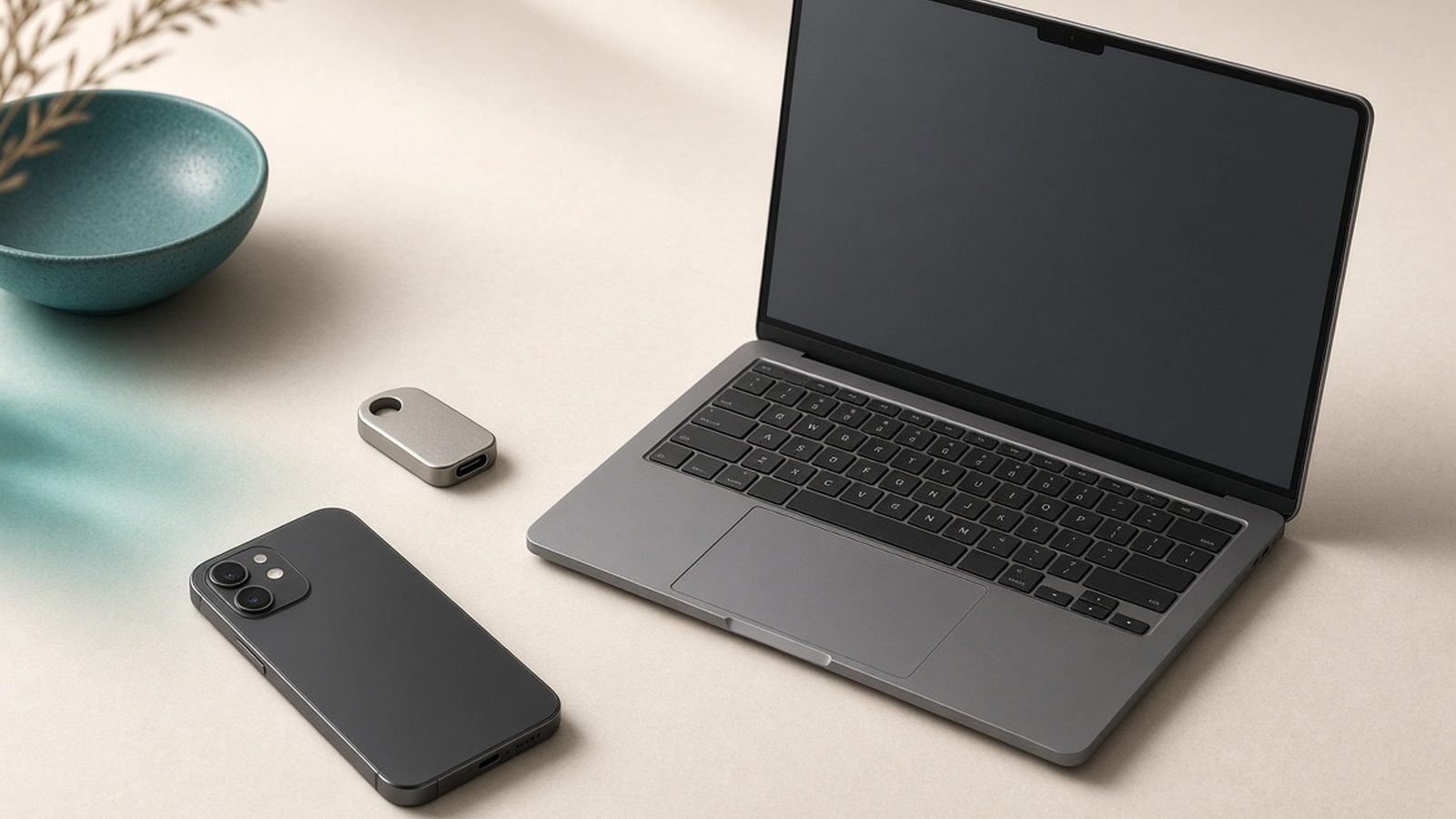
A growing share of laptops. Apple’s M-series Macs and Qualcomm’s Snapdragon X Windows laptops are both Arm-based, and they brought dramatic battery-life and efficiency gains to the category. Arm-based options increasingly populate our Best Laptops 2026: Top Picks for Every Need recommendations, especially where battery life leads.
Tablets and Chromebooks. Most tablets, including iPads and many Android and Chromebook devices, run Arm chips — relevant when you browse Best Tablets for Students 2026: Notes & Study.
Beyond consumer devices. Arm designs also power a rising share of cloud servers, smart-home gadgets, wearables, and car systems — invisible to shoppers but a sign of how universal the architecture has become.
Because Arm is an architecture rather than a product, the right “purchase” is simply a well-reviewed device — the Arm foundation is a positive baseline, and our device guides do the picking.
Strengths
Best-in-class efficiency. Arm’s core advantage is performance-per-watt: its designs deliver strong performance while sipping power, which is why they dominate battery-powered devices.
Near-universal reach and support. Because almost all phones use Arm, the mobile software world is built around it, and developer support is deep and mature on those platforms.
Scalability. The same architecture family scales from tiny microcontrollers to flagship phone chips, powerful laptop silicon, and datacenter servers.
Enabling long battery life and thin designs. Arm efficiency is the reason modern phones and Arm laptops can be thin, cool, quiet (often fanless), and last all day.
A competitive, open licensing model. By licensing to many chipmakers, Arm fosters competition and innovation across the industry rather than locking capability to one vendor.
Weaknesses & criticisms
Windows-on-Arm app compatibility. Arm’s biggest real-world friction: on Windows laptops, apps written for x86 may run through emulation, and while it’s much improved, some pro tools, older peripherals, and games still have gaps or performance penalties.
Business-model and ownership uncertainty. As a licensor owned by SoftBank, Arm’s strategy, pricing, and licensing changes can ripple across the industry, and it has faced disputes with licensees — an overhang that occasionally worries the companies that depend on it.
No direct control over your device experience. Arm sets the architecture, but the chipmaker and device maker determine actual performance, so “Arm-based” alone doesn’t guarantee a good product.
x86 still entrenched in some PC workflows. For legacy business software, certain games, and specialized peripherals, traditional x86 (Intel/AMD) remains the safer bet for now.
Fragmentation across licensees. Because many companies implement Arm differently, capabilities and features vary widely between chips built on the same architecture.
Reliability & support
Arm itself doesn’t make anything you can hold, so “reliability” applies to the devices built on its architecture — and those are as reliable as any modern computing device, since chip-level failures are rare and the architecture is extraordinarily well-proven across billions of devices. The Arm foundation is not a source of reliability concerns.
Where “support” matters to buyers is software compatibility, and it splits by platform. On phones and tablets, Arm is the native, fully supported standard, so there’s nothing to worry about. On Windows laptops, Arm is the newer arrival: Windows-on-Arm has matured steadily, with more native apps and better emulation each year, but it’s still worth confirming your essential apps and peripherals are supported before buying an Arm-based Windows machine. On Macs, Apple’s transition to Arm-based silicon is complete and mature, with excellent native app support. Arm provides no consumer warranty or support directly — that comes from your device maker. Overall, an Arm-based device is a dependable, efficient choice; the only homework is checking app compatibility on Arm Windows laptops.
Who should buy Arm
You don’t buy Arm — you buy Arm-based devices, and in 2026 that’s an easy and usually excellent choice. Every phone and tablet worth buying is Arm-based, so there’s no decision to make there. For laptops, choose an Arm-based machine (an Apple Silicon Mac or a Snapdragon X Windows laptop) if you want exceptional battery life, efficiency, and often a cool, quiet, fanless design — and, on Windows, your key apps are supported.
Consider a traditional x86 laptop instead (Intel or AMD — see Best Laptops 2026: Top Picks for Every Need) if you depend on legacy Windows software, specialized peripherals, or heavy gaming where compatibility and raw x86 support still matter most. For phones, it’s a non-issue: browse Best Smartphones 2026: Top Picks for Every Budget and the Arm foundation is a given. In short, “Arm-based” is a green flag for efficiency; the only caveat is Windows-on-Arm app compatibility.
FAQ
Is Arm a good brand?
Yes, in the sense that Arm’s architecture is the foundation of nearly all efficient modern computing — every smartphone and a growing share of laptops rely on it. You don’t buy Arm products directly; “Arm-based” on a device is a positive sign for efficiency and battery life.
Is Arm reliable?
Extremely. Arm’s architecture powers billions of devices and is exceptionally well-proven; it’s not a source of reliability concerns. Real-world reliability depends on the device maker. The only practical caveat is software compatibility on Windows-on-Arm laptops, which continues to improve.
Where is Arm from and who owns it?
Arm is headquartered in Cambridge, England, with roots dating to 1990. It was acquired by Japan’s SoftBank Group in 2016 and returned to public markets with a 2023 Nasdaq listing; SoftBank remains its majority owner.
What is the difference between Arm and x86?
Arm and x86 (Intel/AMD) are different CPU architectures. Arm prioritizes power efficiency and dominates phones and increasingly laptops; x86 has long led traditional PCs and has the broadest legacy software and peripheral support. Modern Arm laptops rival x86 on performance while using far less power.
Is Arm better than Intel?
They compete differently. Arm-based chips generally win on efficiency and battery life, which is why they power phones and thin laptops. Intel (x86) retains advantages in legacy app compatibility and some high-performance PC workflows. The best choice depends on your apps and priorities — see our Best Laptops 2026: Top Picks for Every Need guide.
Are Apple and Qualcomm chips based on Arm?
Yes. Apple’s M-series and A-series chips and Qualcomm’s Snapdragon are all built on Arm architecture, as are MediaTek’s Dimensity chips. The chipmakers design their own custom silicon on top of Arm’s licensed architecture, which is why their performance and features differ.
Zen Tech Hub may earn a commission from links on this page, at no extra cost to you.